Free QR Code Generator: Create Custom QR Codes for Your Business
Generate free QR codes with our easy-to-use tool. Customize, download, and share QR codes for websites, contacts, Wi-Fi, and more to boost your business today!

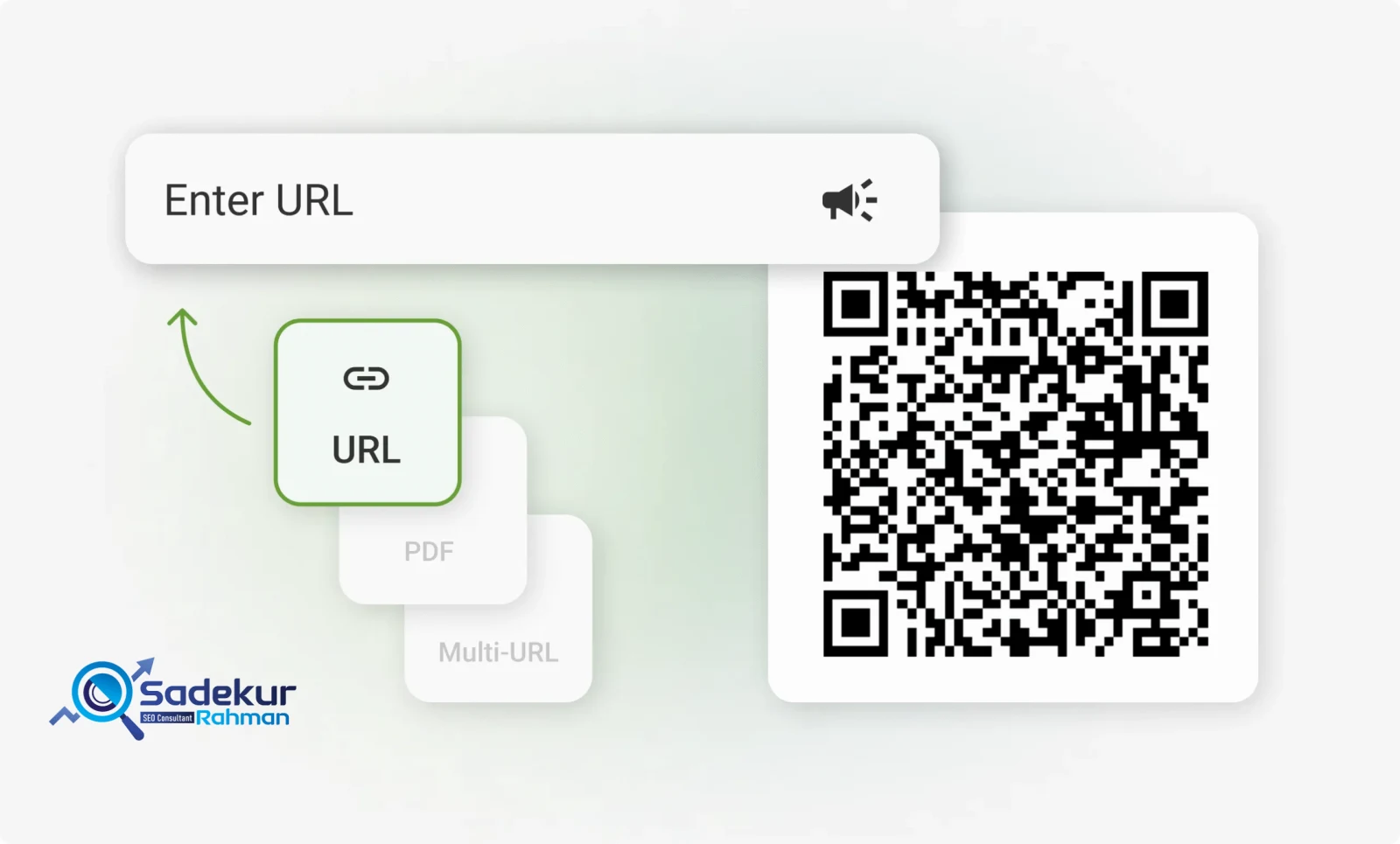
Pro QR Code Generator
In today’s fast-paced digital world, businesses need innovative tools to connect with customers effortlessly. Enter QR codes a versatile, scannable solution that bridges the gap between offline and online experiences. With our free QR code generator at SadekurRahman.com, you can create custom QR codes tailored to your business needs in minutes. Whether you’re enhancing marketing campaigns, streamlining customer interactions, or sharing contact details, this tool has you covered.
This article explores the power of QR codes, how to use our free tool, and why partnering with an SEO expert like Sadekur Rahman can amplify your digital success. Ready to get started? Let’s dive in!
What is a QR Code Generator?
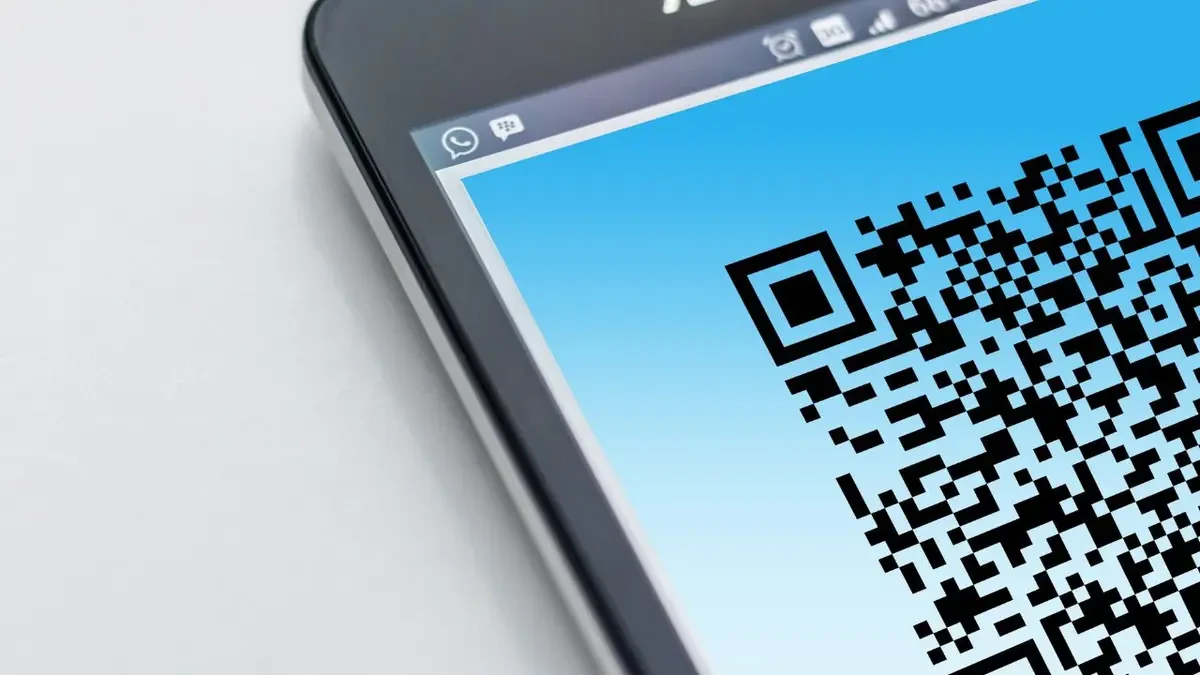
A QR code generator is a web-based tool that creates Quick Response (QR) codes square-shaped barcodes that store information readable by smartphones and scanners. From URLs and contact details to Wi-Fi credentials and Google Maps links, QR codes can encode a variety of data types.
Our free QR code generator stands out with its simplicity and advanced customization options. Businesses can use it to craft QR codes that align with their branding, making it an essential tool for modern digital marketing.
Why QR Codes Matter in 2023
- Usage Surge: According to Statista, QR code usage grew by 94% between 2018 and 2020, a trend that continues as businesses adopt contactless solutions.
- Versatility: QR codes work across industries retail, hospitality, real estate, and more.
- Cost-Effective: Our tool is free, offering premium features without the price tag.
Benefits of Using QR Codes for Businesses
QR codes are more than just a tech trend they’re a game-changer for businesses. Here’s why:
- Contactless Engagement: Enable customers to access information without physical handouts.
- Enhanced Marketing: Link QR codes to websites, promotions, or social media for instant engagement.
- Trackable Results: Pair QR codes with analytics tools to measure campaign performance.
- Time-Saving: Share complex details (e.g., Wi-Fi logins) with a single scan.
- Brand Consistency: Customize codes with your logo and colors.
Did You Know? A Business Insider report found that 75% of consumers now expect QR codes in marketing materials. It’s time to leverage this tool for your business!
How to Use Our Free QR Code Generator
Creating a QR code with our tool is quick and intuitive. Follow this step-by-step guide to get started:
Step 1: Choose Your QR Code Type
Our generator supports multiple QR code types to suit your needs:
| QR Type | Use Case | Example Input |
| URL/Text | Link to a website or message | https://sadekurrahman.com |
| Phone Number | Trigger a call | +1234567890 |
| Email Address | Send an email | info@sadekurrahman.com |
| Start a WhatsApp chat | +1234567890 | |
| Google Maps | Share a location | Maps URL |
| vCard | Share contact details | Name, phone, email, etc. |
| Wi-Fi Login | Connect to Wi-Fi | SSID and password |
Select your desired type from the dropdown menu.
Step 2: Enter Your Data
Input the relevant information based on the QR type. For example:
- URL: Paste your website link.
- vCard: Fill in fields like name, phone, and email.
- Wi-Fi: Add your SSID, password, and encryption type.
Step 3: Customize Your QR Code
Make your QR code visually appealing:
- Colors: Adjust foreground and background colors (e.g., black on white or brand-specific shades).
- Size: Use the slider to set dimensions (128px to 1024px).
- Border Radius: Choose square or rounded edges.
- Logo: Upload your business logo for a branded touch.
Step 4: Generate and Download
Click “Generate QR” to create your code. Preview it in the output area, then download it as:
- PNG: Ideal for digital use.
- SVG: Perfect for scalable printing.
- Print: Send directly to your printer.
Pro Tip: Name your file (e.g., “BusinessPromoQR”) for easy organization.
Step 5: Test Your QR Code
Scan the code with your smartphone to ensure it works as intended. Adjust if necessary and redeploy.
Ready to try it? Visit our QR Code Generator now!
Advanced Features of Our QR Code Generator
What sets our tool apart? Here are the standout features:
- Multiple QR Types: From URLs to vCards, create codes for any purpose.
- Full Customization: Add colors, logos, and sizes to match your brand.
- No Sign-Up Required: Start generating instantly no account needed.
- High-Quality Downloads: Export in PNG or SVG for professional use.
- User-Friendly Interface: Designed for beginners and pros alike.
Compare our tool to others:
| Feature | Our Tool | Competitor A | Competitor B |
| Free to Use | Yes | Limited | No |
| Customization Options | Full | Basic | Moderate |
| Logo Embedding | Yes | No | Yes |
| Download Formats | PNG, SVG | PNG Only | PNG, JPG |
| No Login Required | Yes | No | No |
Our tool offers unmatched flexibility for businesses of all sizes.
Why Choose Sadekur Rahman for Your SEO Needs?
Creating QR codes is just the beginning. To maximize their impact, you need a solid digital strategy and that’s where I come in. I’m Sadekur Rahman, an SEO specialist passionate about helping businesses grow online. With expertise in semantic SEO, keyword optimization, and digital marketing, I can:
- Boost Visibility: Optimize your website to rank higher on Google.
- Drive Traffic: Use tools like QR codes to attract and retain customers.
- Convert Leads: Turn clicks into clients with proven strategies.
Explore my SEO services or check out case studies to see how I’ve helped businesses like yours succeed. Ready to take the next step? Book a meeting today!
Frequently Asked Questions (FAQ)
What is a free QR code generator?
A free QR code generator is an online tool that creates QR codes at no cost. Our version at SadekurRahman.com offers advanced features like customization and multiple download options.
How do I create a QR code for free?
Visit our QR code generator, select a QR type, input your data, customize the design, and download your code. It’s that simple!
Can I add my logo to a QR code?
Yes! Our tool lets you upload a logo to embed in your QR code, enhancing brand recognition.
Are QR codes still relevant for businesses?
Absolutely. With a Forbes article noting their resurgence in contactless interactions, QR codes remain a powerful marketing tool in 2023.
Conclusion
QR codes are a must-have for businesses looking to stay ahead in the digital age. With our free QR code generator, you can create custom, professional codes to elevate your marketing, streamline operations, and engage customers like never before. Paired with expert SEO strategies from Sadekur Rahman, your business can achieve new heights online.
Don’t wait try the tool now at SadekurRahman.com and see the difference for yourself. Need personalized help? Contact me or explore my pricing plans to get started today!

Written by Sadekur Rahman
SEO & Website Strategy Specialist at Pixelvega and SEO Executive at Daily Amar Desh. 6+ years helping brands grow with data-driven SEO.