How to Use a Web Traffic Checker for SEO
Discover how to use web traffic checker tools to analyze your website visitors, measure SEO performance, check competitor traffic, and identify growth opportunities.

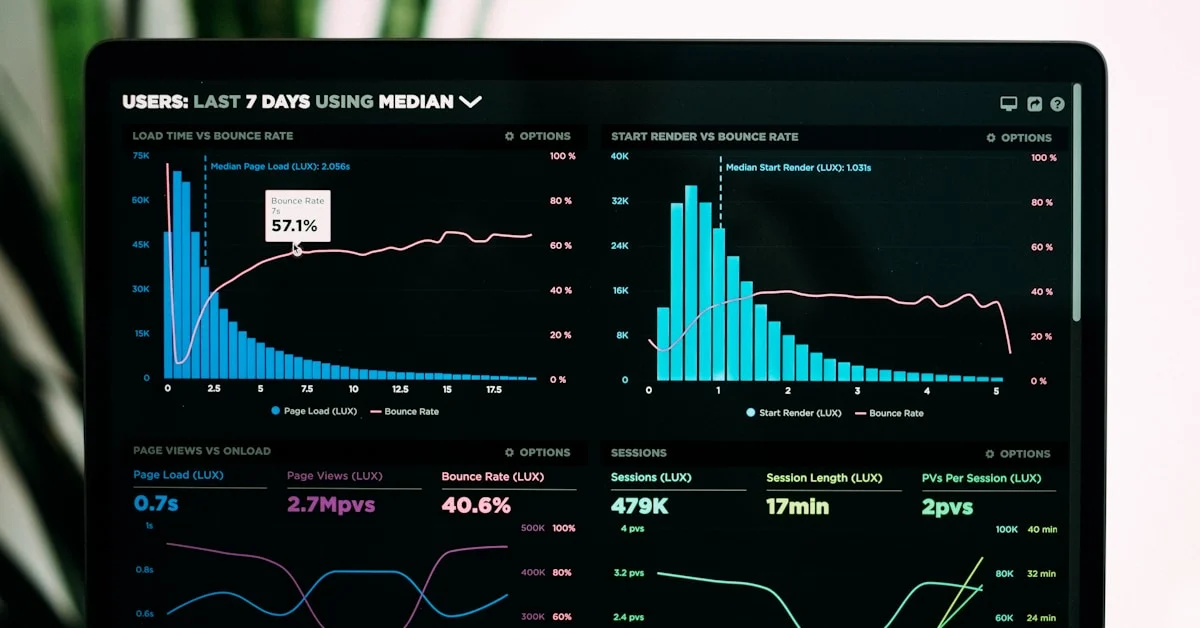
Understanding how much traffic your website receives — and where it comes from — is the backbone of any data-driven digital marketing strategy. A web traffic checker gives you the insights to understand your audience, measure the success of your SEO campaigns, and make informed decisions about where to invest your marketing efforts.
What Is a Web Traffic Checker?
A web traffic checker is a tool that measures and analyzes the visitors to a website. Depending on the tool, it can show:
- Total monthly visitors to a website
- Traffic sources (organic, paid, direct, referral, social)
- Top landing pages by traffic volume
- Geographic distribution of visitors
- Traffic trends over time
- Estimated competitor traffic (for third-party tools)
Types of Web Traffic Checkers
1. Your Own Website Analytics (First-Party)
The most accurate traffic data comes from your own analytics platform:
- Google Analytics 4 (GA4) — The industry standard, free, and provides comprehensive traffic data
- Adobe Analytics — Enterprise-grade analytics with advanced segmentation
- Matomo — Privacy-focused open-source alternative
2. Third-Party Traffic Estimation Tools
These tools estimate traffic for any website (including competitors) using panel data and machine learning:
- Similarweb — Best for estimating competitor traffic at scale
- Ahrefs Site Explorer — Shows estimated organic traffic based on keyword rankings
- SEMrush Traffic Analytics — Estimates total and channel-level traffic
- Ubersuggest — Budget-friendly traffic estimation
How to Check Your Own Website Traffic
Using Google Analytics 4
- Log in to Google Analytics
- Select your property
- Go to Reports → Acquisition → Traffic Acquisition
- Review sessions, users, and engagement by channel
- Use the date range selector to compare periods
Key Traffic Metrics to Monitor
| Metric | What It Measures | Why It Matters |
|---|---|---|
| Sessions | Total visits to your site | Overall traffic volume |
| Users | Unique visitors | Audience size |
| Pageviews | Total pages viewed | Content engagement |
| Bounce rate | Single-page visits | Content relevance and UX |
| Average session duration | Time spent on site | Engagement depth |
| Organic traffic | Visitors from search engines | SEO performance indicator |
How to Check Competitor Website Traffic
While you can't see exact competitor analytics, third-party tools provide reliable estimates:
Using Similarweb
- Enter any domain in Similarweb's search bar
- View estimated monthly visits, traffic sources, and top pages
- Compare multiple competitors side by side
Using Ahrefs
- Enter a competitor's domain in Ahrefs Site Explorer
- View "Organic Traffic" estimate based on their keyword rankings
- See their top traffic-generating pages
Competitor traffic analysis is a core component of comprehensive SEO strategy — understanding where competitors get their traffic reveals your biggest growth opportunities.
Using Traffic Data to Improve SEO
Find Your Top Organic Landing Pages
In Google Analytics, go to Acquisition → Organic Search → Landing pages. Your top organic pages are your current SEO wins — maintain them and create more content on similar topics.
Identify Traffic Drops
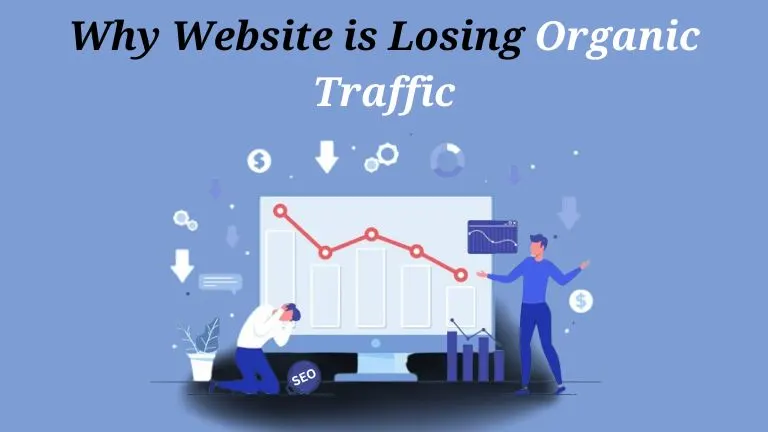
A sudden traffic drop (visible as a spike downward in your sessions chart) could indicate:
- A Google algorithm update impacting your rankings
- Technical issues (site down, pages deindexed)
- Seasonal traffic fluctuations
- A major competitor outranking you for key terms
Track SEO Campaign Progress
Compare organic traffic month-over-month and year-over-year to measure the impact of your SEO efforts. Look for growth in both traffic volume and the number of keywords driving traffic.
See real examples of traffic growth in our SEO case studies.
Best Free Web Traffic Checker Tools
- Google Analytics 4 — Best for your own site; free
- Google Search Console — Shows organic traffic and keyword data; free
- Ubersuggest — Free tier includes competitor traffic estimates
- Similarweb (free tier) — Limited but useful competitor overviews
Work With an SEO Specialist to Grow Your Traffic
Traffic data is only valuable when you know what to do with it. Sadekur Rahman helps businesses interpret their analytics, identify growth opportunities, and build SEO strategies that drive measurable traffic increases. Explore our SEO packages or contact us for a traffic analysis of your website.
FAQs About Web Traffic Checkers
How accurate are web traffic checker tools for competitor sites?
Third-party tools like Similarweb and Ahrefs provide estimates, not exact figures. Accuracy is generally good for large sites (1M+ visits/month) but less reliable for smaller sites.
What is a good amount of web traffic?
It depends on your business goals, industry, and conversion rates. A site converting well at 5,000 monthly visitors may outperform a competitor with 50,000 visitors but poor conversion optimization.
Can I see what pages competitors get the most traffic on?
Yes — Ahrefs "Top Pages" report shows estimated organic traffic per page for any domain. Similarweb also shows top landing pages for competitors.

Written by Sadekur Rahman
SEO & Website Strategy Specialist at Pixelvega and SEO Executive at Daily Amar Desh. 6+ years helping brands grow with data-driven SEO.