How to Use SERPs to Improve Your SEO Strategy
Learn what SERPs are, how different SERP features work, and how to optimize your content to capture featured snippets, PAA boxes, and local pack results.

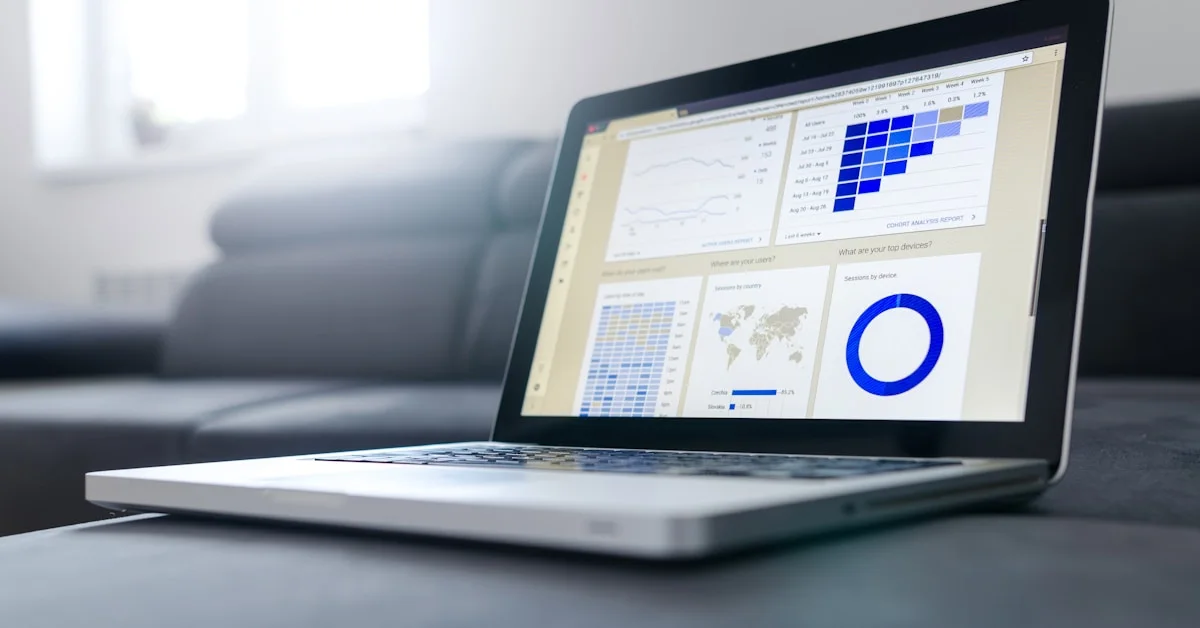
Every time someone types a query into Google, a SERP (Search Engine Results Page) is generated. Understanding SERPs — and the different features they display — is essential for building an SEO strategy that captures visibility beyond just the traditional blue links.
What Are SERPs?
SERPs are the pages search engines display in response to a user's query. A modern Google SERP is far more complex than a simple list of links. It includes:
- Organic search results (the "blue links")
- Paid advertisements (Google Ads)
- Featured snippets (answer boxes)
- People Also Ask (PAA) boxes
- Knowledge panels
- Image and video carousels
- Local pack results (maps)
- Shopping results
Why SERPs Matter for Your SEO Strategy
Different SERP features capture different amounts of user attention. Targeting SERP features beyond traditional organic results can dramatically increase your click-through rate, even from a lower ranking position.
According to Backlinko's CTR research, position #1 in organic results has an average CTR of 27.6% — but this varies significantly based on what SERP features appear for a given query.
Types of SERP Features and How to Target Them
1. Featured Snippets (Position Zero)
Featured snippets appear above all organic results, providing a direct answer to a query pulled from a web page. To target them:
- Structure content to directly answer "what is," "how to," and "why" questions
- Use concise paragraph answers (40–50 words) under relevant H2 headings
- Use numbered lists for step-by-step processes
- Use tables for comparison data
2. People Also Ask (PAA)
PAA boxes display related questions users ask. Appearing in PAA increases your visibility even when you don't rank #1. Target PAA by:
- Creating FAQ sections in your content
- Answering the exact PAA questions from your target SERPs
- Using natural, conversational question-and-answer format
3. Local Pack
The local 3-pack appears for queries with local intent (e.g., "SEO agency near me"). To rank in the local pack:
- Optimize your Google Business Profile fully
- Build consistent NAP citations across directories
- Earn positive Google reviews
4. Knowledge Panels
Knowledge panels appear for brands, people, and organizations. Build one by creating a Wikipedia article, LinkedIn profile, and Wikidata entry.
5. Shopping Results
E-commerce sites should use Google Merchant Center and optimized product feeds to appear in shopping results. Learn more about our eCommerce SEO services.
How to Analyze SERPs Before Creating Content
Before writing any piece of content, analyze the SERP for your target keyword:
- Identify search intent — Is it informational, navigational, commercial, or transactional?
- Note the content format — Are results guides, lists, videos, or product pages?
- Check for SERP features — Are there featured snippets, PAA, or local pack results?
- Analyze word count and structure of top-ranking pages
- Identify content gaps you can fill better than the current results
SERP Volatility and Tracking
SERPs constantly change due to algorithm updates, competitor activity, and changing user behavior. Monitor your SERP presence with:
- Google Search Console (free, shows your actual ranking data)
- Ahrefs or SEMrush (track positions over time)
- SERPWatcher or AccuRanker (specialized rank tracking)
Improving Your SERP Performance
| Goal | Strategy |
|---|---|
| Higher CTR from same position | Optimize title tags and meta descriptions |
| Win featured snippet | Structure content with direct answers |
| Appear in PAA | Add FAQ sections to key pages |
| Improve local pack ranking | Optimize Google Business Profile |
| Increase overall visibility | Build topical authority with content clusters |
Work With an SEO Specialist to Dominate SERPs
Achieving maximum SERP visibility requires a holistic strategy covering on-page, technical, and content SEO. Sadekur Rahman builds comprehensive SEO strategies that target both traditional rankings and SERP features. Book a free consultation to explore how we can improve your SERP performance.
FAQs About SERPs
What does SERP stand for?
SERP stands for Search Engine Results Page — the page displayed by search engines in response to a user's query.
How many results does Google show per SERP?
Google traditionally shows 10 organic results per page, but modern SERPs often show fewer due to the presence of ads, featured snippets, and other SERP features.
Can I rank for a SERP feature without ranking #1?
Yes. Featured snippets are often taken from pages ranking positions 2–5, and PAA results can come from pages ranking outside the top 10.

Written by Sadekur Rahman
SEO & Website Strategy Specialist at Pixelvega and SEO Executive at Daily Amar Desh. 6+ years helping brands grow with data-driven SEO.